Best ASUS Motherboards for Gaming in 2026
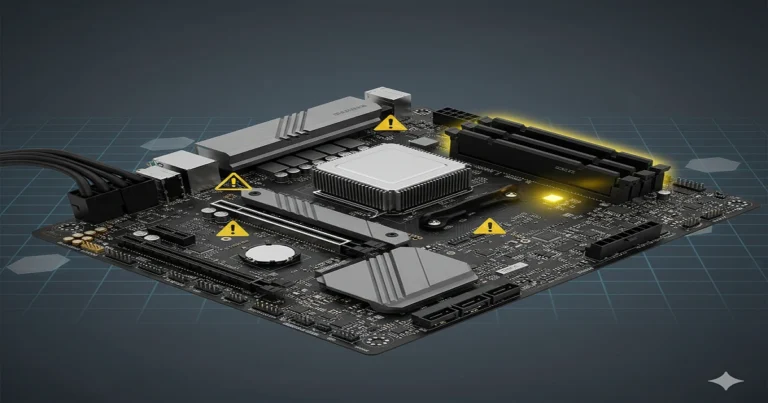
When building a gaming PC in 2026, choosing the right motherboard is like selecting the foundation of your house. A strong foundation supports everything: your CPU, RAM, graphics card, and all your gaming performance.
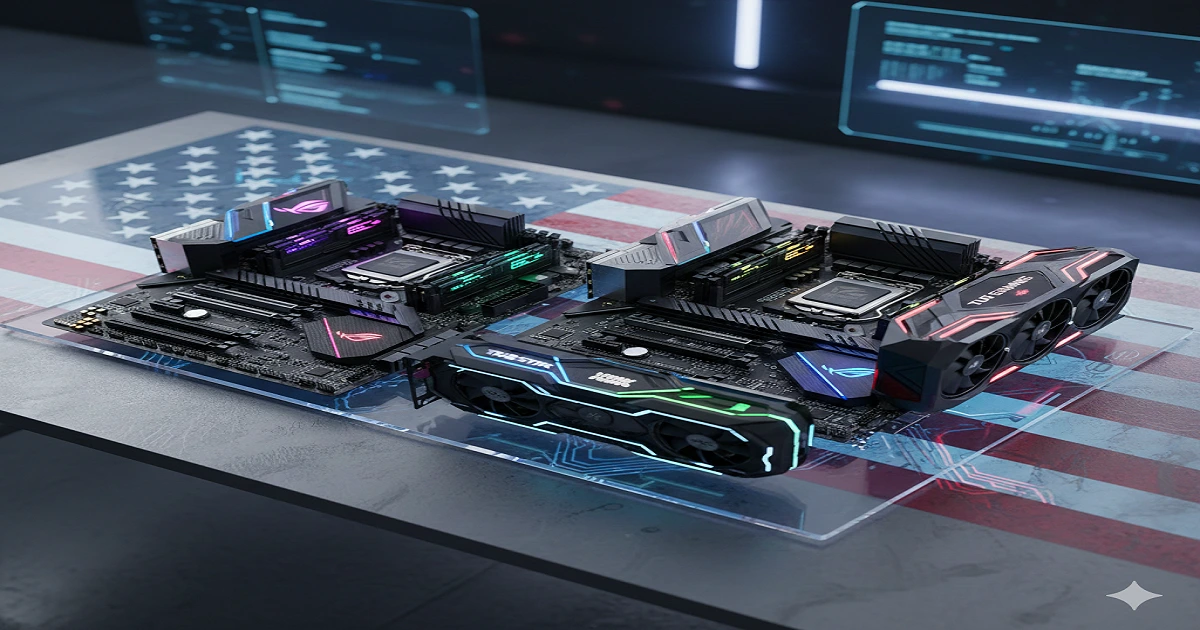
ASUS motherboards are among the most popular choices for gamers in the USA. They offer high performance, stability, and future-proof features like PCIe 5.0, DDR5 memory support, and Wi-Fi 7 connectivity.
In this guide, we’ll show you the best ASUS motherboards for both AMD and Intel builds, explain key features, compare models, and help you find the perfect motherboard for your budget and gaming needs.
By the end, you’ll know exactly which ASUS motherboard is right for you — without getting confused by specs or marketing jargon.
How to Choose a Gaming Motherboard: Tips
Choosing a motherboard can feel confusing, but think of it like buying the right foundation for your house 🏠. If the foundation is strong, everything else (CPU, GPU, RAM) will work perfectly.
Here are the key things to consider for ASUS gaming motherboards in 2026:
1. CPU Socket & Chipset
- Every motherboard has a socket type — it decides which CPU fits.
- AMD builds: AM5 socket (new Ryzen CPUs)
- Intel builds: LGA 1700 / Z890 chipset (12th & 13th Gen CPUs)
- 🔹 Tip: Always check CPU compatibility before buying — like making sure your bed fits in your bedroom!
2. RAM Support (DDR5 vs DDR4)
- DDR5 is the newest memory standard, faster than DDR4.
- High-end ASUS motherboards support DDR5, which helps gaming and multitasking.
- 🔹 Tip: For smooth performance, pick a board that supports high-speed DDR5 RAM.
3. PCIe Slots (Graphics Card & Expansion)
- Modern motherboards have PCIe 5.0 slots for graphics cards and SSDs.
- Faster PCIe slots mean better gaming performance in 2026.
- 🔹 Tip: If you want to upgrade GPU later, make sure your board has the latest PCIe version.
4. Connectivity & Networking
- Look for Wi-Fi 7, 10 GbE LAN, and USB4 / Thunderbolt ports.
- These features make your gaming PC future-ready and fast.
- 🔹 Tip: Think of it like making sure your house has good internet and outlets in all rooms.
5. VRM & Power Delivery
- VRM (Voltage Regulator Module) controls CPU power.
- A strong VRM helps overclocking and stable performance.
- 🔹 Tip: For gaming and future upgrades, always pick a board with robust VRM design.
6. Form Factor
- Motherboards come in ATX, micro-ATX, and mini-ITX sizes.
- Big ATX boards have more slots and features.
- 🔹 Tip: Match your motherboard size with your PC case — like making sure furniture fits in your room.
Best ASUS Gaming Motherboards for 2026
We’re dividing this into three parts so it’s easy to read:
🔹 Best for AMD Gaming Builds
🔹 Best for Intel Gaming Builds
🔹 Best Value / Budget ASUS Boards
🔹 Best for AMD Gaming Builds (Top Picks)
🏆 ASUS ROG Crosshair X870E Hero
Why it’s great:
- Best choice for AMD Ryzen 7000 & future CPUs
- Great power delivery for overclocking
- DDR5 memory support + PCIe 5.0 slots
- Excellent cooling & networking (Wi‑Fi 7)
Good for:
🎮 Hardcore gamers
🚀 Future upgrades
Pros:
✔ Excellent performance
✔ Features for high‑end builds
✔ Premium quality
Cons:
❌ Expensive — not for small budgets
💪 ASUS TUF Gaming B850‑PLUS WiFi
Why it’s great:
- Strong performance for gaming
- DDR5 support + PCIe 5.0
- Good VRM for stable power
Good for:
🎮 Mid‑range gamers
💻 Everyday gaming + productivity
Pros:
✔ Great value for performance
✔ Built‑in Wi‑Fi
Cons:
❌ Not as many premium features as flagship
🔹 Best for Intel Gaming Builds (Top Picks)
🥇 ASUS ROG Maximus Z890 Hero
Why it’s great:
- Best board for latest Intel CPUs
- Advanced power delivery for overclocking
- Lots of PCIe 5.0 and DDR5 support
Good for:
🔥 High‑end gaming PCs
🚀 Creators + streamers
Pros:
✔ Top gaming performance
✔ Premium features
Cons:
❌ Big price tag
💼 ASUS ROG Strix B860‑F WiFi
Why it’s great:
- Balanced performance
- Built‑in Wi‑Fi + good connectivity
- DDR5 support & PCIe 5.0
Good for:
💻 Mainstream gaming
🎮 Value‑focused users
Pros:
✔ Great price for features
✔ Solid all‑around performer
Cons:
❌ Not for extreme overclocking
🔹 Best Value / Budget ASUS Boards (2026)
💡 ASUS TUF Gaming A620 Series
Why it’s great:
- Best for budget gamers
- Reliable performance
- Works well with many Ryzen CPUs
Good for:
💰 Budget builds
🎮 Casual gaming
Pros:
✔ Very affordable
✔ Stable and reliable
Cons:
❌ Not best for future CPUs with heavy upgrades
📊 Quick Comparison Table
| Motherboard | Best For | DDR5 | PCIe 5.0 | Wi‑Fi | Price Range (USA) |
|---|---|---|---|---|---|
| ASUS ROG X870E Hero | Premium AMD | ✔ | ✔ | ✔ | High |
| ASUS TUF B850‑PLUS WiFi | Mid‑range AMD | ✔ | ✔ | ✔ | Mid |
| ASUS Maximus Z890 Hero | Premium Intel | ✔ | ✔ | ✔ | High |
| ASUS Strix B860‑F WiFi | Mid‑range Intel | ✔ | ✔ | ✔ | Mid |
| ASUS TUF A620 Series | Budget AMD | — | — | Some | Low |
ASUS vs Competitors (MSI & Gigabyte)
When buying a motherboard, many gamers ask:
“Should I go ASUS, MSI, or Gigabyte?”
Think of it like choosing a car brand 🚗 — all are good, but each has strengths and weaknesses.
1 ASUS
Strengths:
- Premium quality and reliability
- Great for overclocking and high-end builds
- Wide range of boards (ROG, TUF)
- Good future-proofing (PCIe 5.0, DDR5, Wi‑Fi 7)
Weaknesses:
- Higher prices
- Some budget options are limited
2 MSI
Strengths:
- Great value for money
- Gaming-oriented features
- Easy BIOS interface for beginners
Weaknesses:
- Some models have limited VRM for heavy overclocking
- Fewer high-end premium options than ASUS
3 Gigabyte
Strengths:
- Reliable performance
- Good mid-range and budget boards
- Solid connectivity options
Weaknesses:
- BIOS can be less user-friendly
- Premium models slightly behind ASUS for gaming features
Quick Comparison Table
| Brand | Best For | Price | Gaming Features | Reliability | Upgrade Options |
|---|---|---|---|---|---|
| ASUS | High-end + Mid-range | High | Excellent | Excellent | Best |
| MSI | Mid-range + Budget | Medium | Good | Good | Good |
| Gigabyte | Budget + Mid-range | Low-Medium | Average | Good | Average |
ASUS Motherboards Pricing Guide (USA, 2026)
Buying the right ASUS motherboard isn’t just about features — it’s also about price and value for money. Here’s a simple guide for USA buyers in 2026.
1 Premium Boards (Flagship Models)
| Motherboard | Approx. Price (USD) | Best For |
|---|---|---|
| ASUS ROG Crosshair X870E Hero | $550 – $650 | Hardcore AMD gamers, overclocking |
| ASUS ROG Maximus Z890 Hero | $500 – $620 | High-end Intel gaming & streaming |
Tip: Flagship boards are expensive but built to last. Perfect for gamers who want top performance and future-proofing.
2 Mid-Range Boards
| Motherboard | Approx. Price (USD) | Best For |
|---|---|---|
| ASUS TUF Gaming B850-PLUS WiFi | $220 – $280 | AMD gamers on a budget, good performance |
| ASUS ROG Strix B860-F WiFi | $210 – $270 | Intel mid-range builds, balanced features |
Tip: Mid-range boards are best for most gamers — solid performance without breaking the bank.
3 Budget / Entry-Level Boards
| Motherboard | Approx. Price (USD) | Best For |
|---|---|---|
| ASUS TUF Gaming A620 Series | $130 – $180 | Casual gamers or first-time builders |
Tip: Budget boards are great if you don’t need premium features but still want a reliable ASUS motherboard.
4 Where to Buy in the USA
- Amazon — Good delivery & reviews
- Newegg — Popular for PC parts
- Best Buy — Physical stores & online
- B&H Photo Video — Some hard-to-find models
Pro Tip: Always check latest price + stock before buying. Sometimes mid-range boards are cheaper during sales, giving almost premium performance for less money.
FAQs – ASUS Motherboards for Gaming (2026, USA)
Here are the most common questions people ask about ASUS motherboards, with simple, clear answers:
Why are gamers boycotting ASUS?
Some gamers have expressed concerns about high prices or limited mid-range options. However, most gamers still trust ASUS for performance, reliability, and premium features, especially for high-end gaming builds.
What is the best motherboard from ASUS?
For 2026, the ASUS ROG Crosshair X870E Hero (AMD) and ASUS ROG Maximus Z890 Hero (Intel) are the top picks. They offer high performance, future-proof features, and excellent overclocking support.
What is the lifespan of a motherboard?
Most modern motherboards, including ASUS, last 5–10 years if handled carefully. Proper cooling, avoiding electrical surges, and using compatible components can extend their lifespan.
How to reset ASUS laptop motherboard?
- Turn off your ASUS laptop and unplug it.
- Remove the battery (if removable) and hold the power button for 30 seconds.
- Reinsert the battery and power on — this resets the motherboard settings to default.
Conclusion & Recommendations
Choosing the right ASUS motherboard is like building a strong foundation for your gaming PC 🏠. The best motherboard depends on your CPU, budget, and gaming needs.