
Is Baseboard the Same as Motherboard? – Learn Now 2025
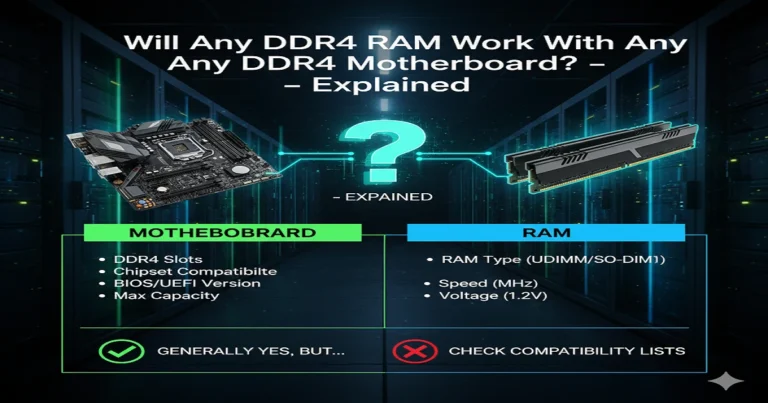
Yes, the baseboard shown in your computer’s system info is actually the motherboard. Both mean the same main circuit board that connects the CPU, memory, and other parts, making your computer run smoothly. The terms are used interchangeably.
Computers can be confusing, especially when technical terms sound almost identical. One question that often pops up is “Is baseboard the same as motherboard?” The short answer: not exactly. They’re related, but they’re used differently depending on context. Let’s explore everything you need to know in 2025.
Baseboard vs Motherboard: Understanding the Difference Between These Core Computer Components
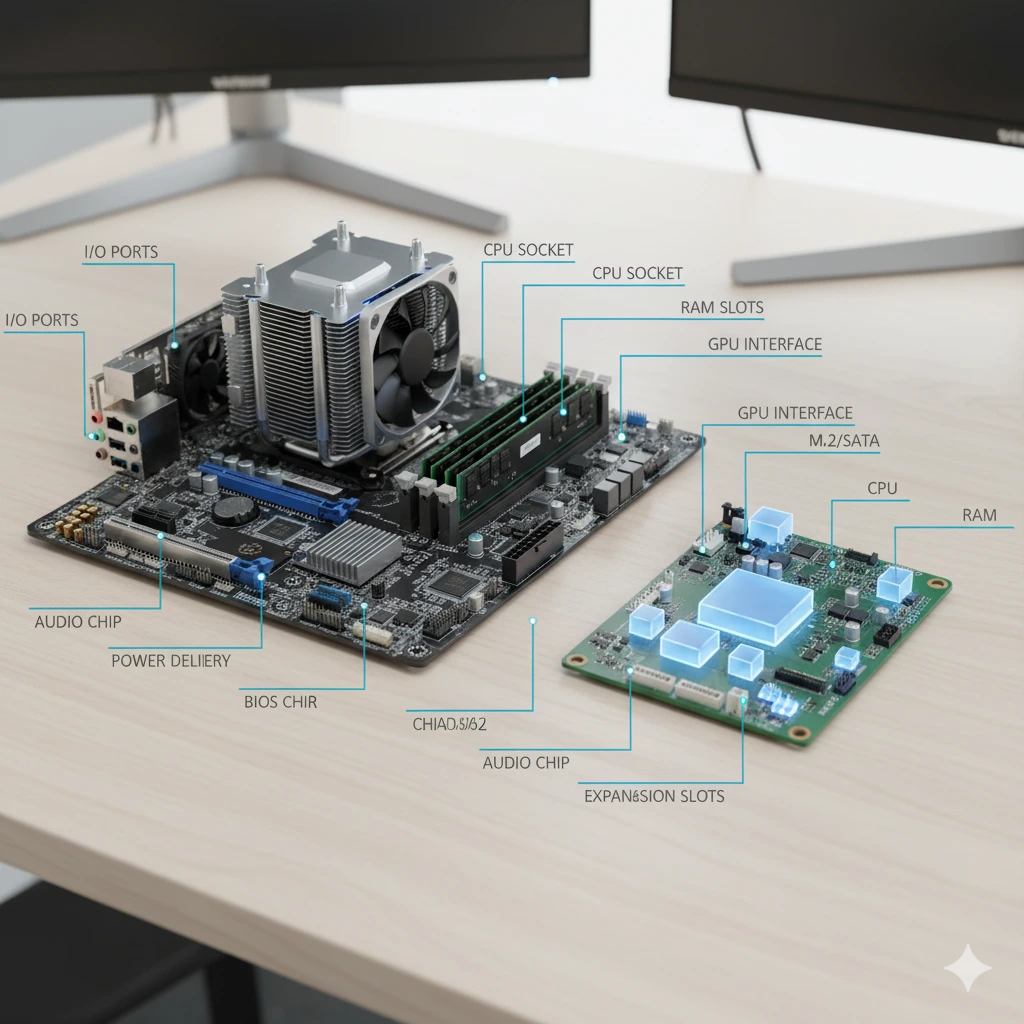
Ever glanced at your system info and seen “BaseBoard Manufacturer”? That’s where this confusion begins. While a motherboard is the physical main circuit board of your PC, the word ‘baseboard’ usually appears in diagnostics or industrial computing. Both relate to the same foundation of a computer but are used in slightly different ways.
1. What Are Baseboards and Motherboards? A Beginner’s Overview
1.1 What Is a Baseboard in a Computer System?
The baseboard refers to the underlying printed circuit board that connects all components. In Windows’ System Information, it shows details like BaseBoard Product and BaseBoard Version. Essentially, it’s a technical way of saying ‘motherboard’, though it’s sometimes used in embedded or industrial systems.
1.2 What Is a Motherboard and Why It Matters
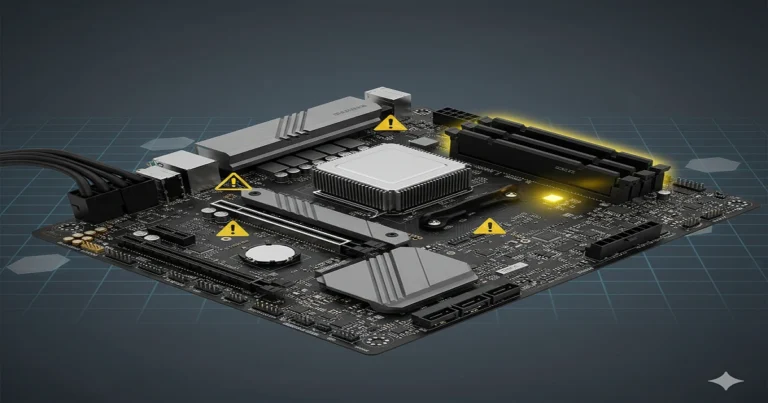
Your motherboard—sometimes called a mainboard or system board—houses your CPU, RAM, storage interfaces, and expansion slots. It’s the heart of your PC. Learn more about its components here.
1.3 Baseboard vs Motherboard Terminology: Why the Confusion Exists
Manufacturers and software like Windows use ‘BaseBoard’ as a label, while users prefer ‘Motherboard’. Industrial engineers also use baseboards for smaller embedded computers. Different words, same essential purpose.
2. Baseboard vs Motherboard: Key Design and Structural Differences
Computers evolve fast, yet structure remains consistent.
Below are the main differences that define these two terms:
- Physical Design – A motherboard often includes integrated ports and chipset features, while baseboards might be modular.
- Connectivity – Motherboards connect peripherals like GPUs and RAM; baseboards connect embedded modules or daughterboards.
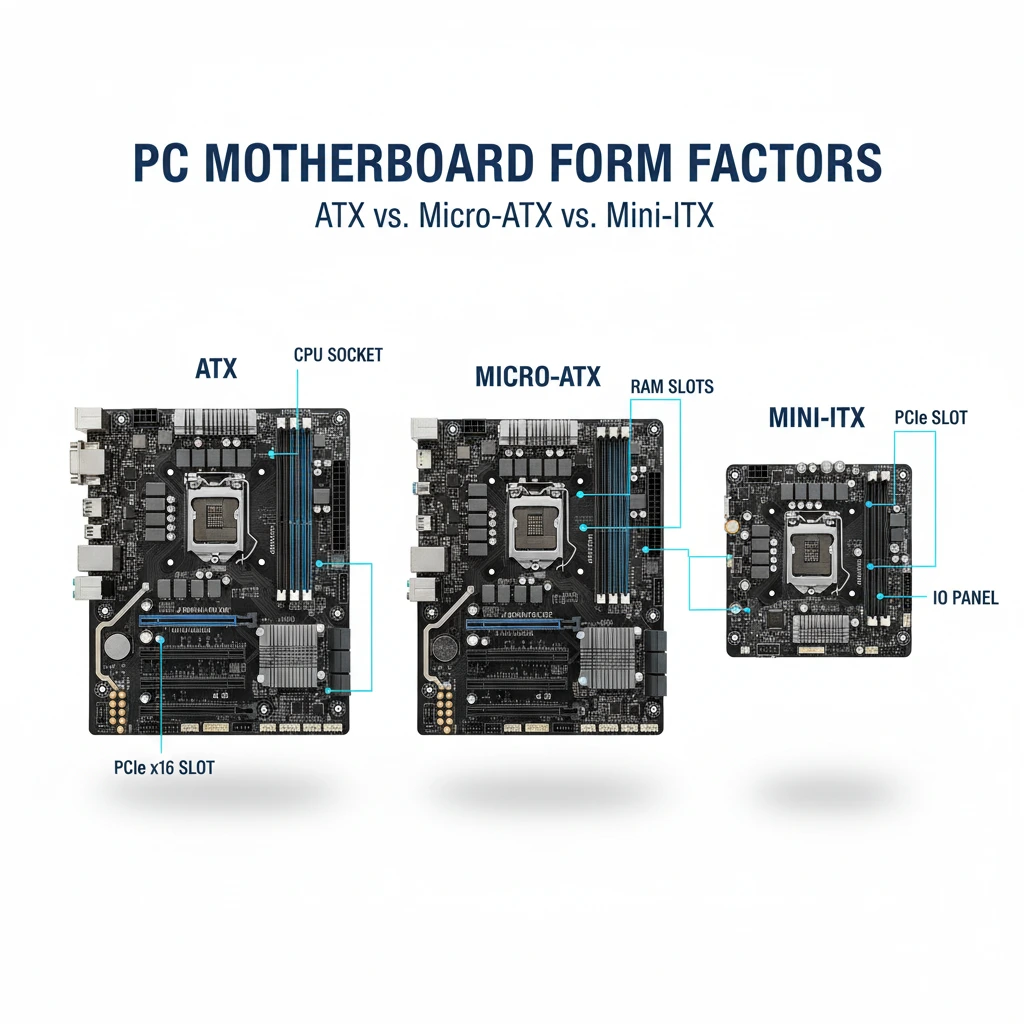
- Form Factors – Motherboards follow ATX, Micro-ATX, or Mini-ITX standards.
- Integration – Baseboards in industry sometimes pair with custom I/O boards.
- Usage Context – Motherboard = consumer PCs; Baseboard = industrial boards.
- Terminology – Both mean “main board”, but are used by different sectors.
- Labelling – In diagnostics, “BaseBoard” equals “Motherboard”.
3. Functional Roles and Use Cases
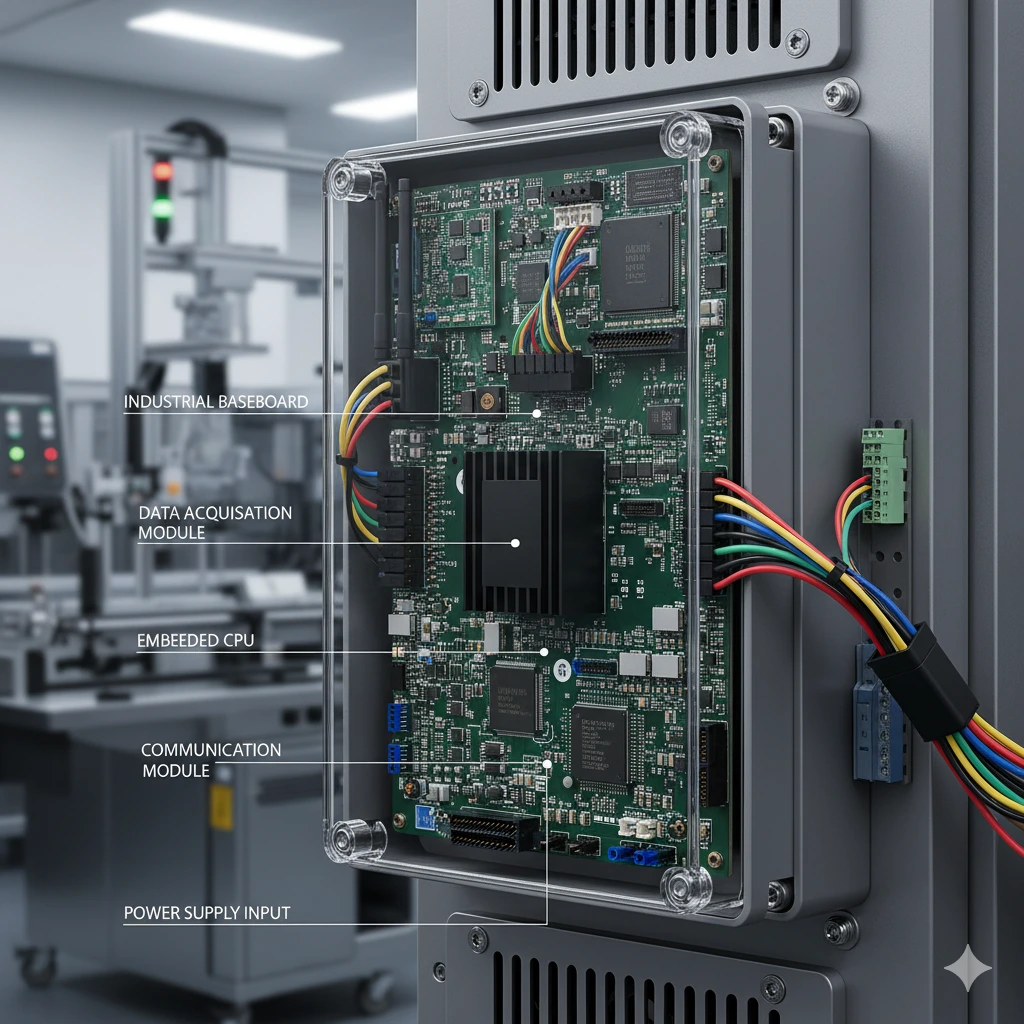
3.1 Baseboard Functions in Embedded, IoT, and Industrial Systems
Baseboards are vital in compact machines—think robots, kiosks, or industrial controllers. They connect custom modules instead of GPUs, focusing on stability over speed.
3.2 Motherboard Roles in Desktop PCs, Servers, and Laptops
Motherboards power gaming rigs, business PCs, and servers. They handle intense workloads, expansion cards, and memory channels. Want deeper insights? Read what motherboards are.
3.3 How Function Impacts System Speed, Power, and Expansion
The motherboard determines how efficiently your CPU and GPU communicate. Baseboards, on the other hand, emphasise reliability for 24/7 uptime in mission-critical environments.
4. Industry Use: Where Each Term Is Commonly Applied
- Industrial & Medical Devices – Baseboards appear in diagnostic machines or factory controllers.
- Consumer Electronics & Gaming PCs – Motherboards dominate here for high-performance computing.
- Enterprise & Servers – Some hybrid systems use both terms depending on configuration.
- IoT & Edge Devices – Baseboards connect specialised compute modules.
- Educational Kits – Robotics boards sometimes labelled as baseboards.
- Laptop Designs – Compact baseboard layouts save space.
- Custom-Built Systems – Enthusiasts still call them motherboards.
5. Buying Guide: Cost, Compatibility, and Maintenance
5.1 Price Comparison and Budgeting for Upgrades
Motherboards range from $80 to $600 depending on chipsets and brand. Baseboards, being niche, are usually pricier per unit due to industrial specifications.
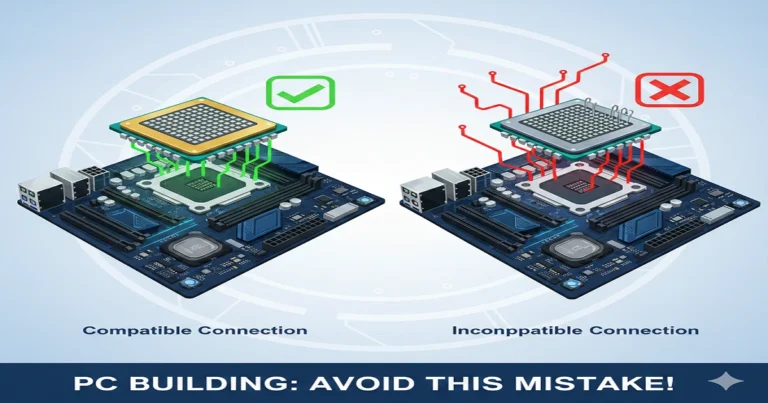
5.2 Compatibility Tips: Socket, Chipset, and Form Factor
Before buying, ensure your CPU socket matches the motherboard. Cross-check the form factor—ATX or Micro-ATX—to fit your PC case. Learn more in What is a Motherboard.
5.3 Vendor Quality and Brand Reliability
Choose trusted names like ASUS, Gigabyte, or MSI. For industrial setups, look to Advantech or Kontron. Reliable vendors ensure longevity and support.
6. Baseboard vs Motherboard: Which One Do You Really Have?
You can easily check:
- Open Run → type msinfo32 → press Enter.
- Under System Summary, locate BaseBoard Manufacturer/Product.
- That’s your motherboard model.
Tools like CPU-Z or Speccy also reveal this data instantly. Knowing this helps with upgrades or driver updates.
Frequently Asked Questions (FAQs)
Is BaseBoard your motherboard?
Yes, the BaseBoard shown in Windows System Information refers to your motherboard — they’re the same component.
What is another name for a motherboard?
Another common name for a motherboard is ‘mainboard’ or ‘system board’.
Is ‘baseboard’ another word for ‘motherboard’?
Yes, in most cases, ‘baseboard’ is just another term for ‘motherboard’, especially in diagnostic tools.
What is another name for baseboards?
In computing, a baseboard can also be called a mainboard; in construction, it means a skirting board or moulding along walls.
Summary
So, is baseboard the same as motherboard? In everyday PCs—yes, they refer to the same component. But in engineering and system diagnostics, ‘baseboard’ emphasises a structural layer or embedded board. Both remain the backbone of any computing device. Understanding the nuance makes you a smarter, more confident tech user.