Is My RAM Compatible With My Motherboard? – Check Now 2026
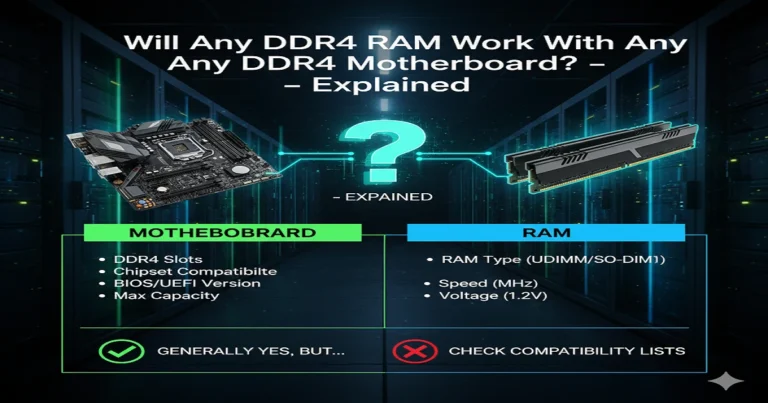
To check if your RAM is compatible, match its type (DDR3, DDR4, or DDR5), form factor (DIMM or SODIMM), speed (MHz), voltage, and size with your motherboard specifications. Use tools like the Crucial System Scanner for easy verification.
Wondering, “Is my RAM compatible with my motherboard?” Many PC users struggle when upgrading memory. Compatibility depends on RAM type, speed, voltage, size, and motherboard slots. Using the wrong RAM can stop your PC from starting or reduce performance. This guide shows step-by-step how to check RAM compatibility, including online tools like Crucial System Scanner and manual methods. By following these tips, you can safely upgrade memory, improve your PC speed, and avoid mistakes. This guide is beginner-friendly, reliable, and experience-based, helping you make confident, informed decisions when choosing RAM for your system.
What is RAM and Motherboard Compatibility?
What is a Motherboard?
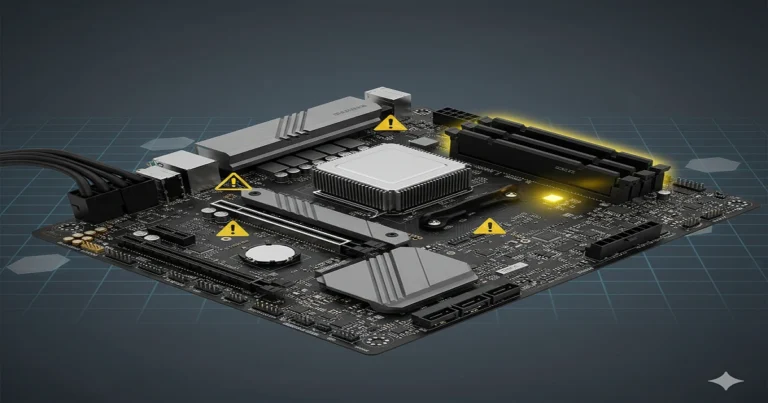
A motherboard is the main circuit board that connects your CPU, RAM, storage, and other components. Each motherboard has specific slots and specifications that determine which RAM it can use. Checking these specs ensures your memory will work correctly.
What is RAM?
RAM (Random Access Memory) temporarily stores data for your CPU to access quickly. Upgrading RAM can boost system speed, multitasking, and gaming performance. But using incompatible RAM can cause crashes or prevent your PC from starting.
Why RAM Compatibility Matters
Incompatible RAM may:
- Prevent your PC from booting
- Cause errors or crashes
- Reduce overall performance
Always check RAM type, speed, voltage, and size before purchasing.
Different RAM Generations
DDR3, DDR4, DDR5 Explained
RAM comes in different generations with unique pins, notches, and voltages:
| Generation | Year | Pins (DIMM/SODIMM) | Key (Notch) |
|---|---|---|---|
| DDR3 | 2007 | 240 / 204 | Offset left |
| DDR4 | 2014 | 288 / 260 | Center |
| DDR5 | 2020 | 288 / 262 | Offset left |
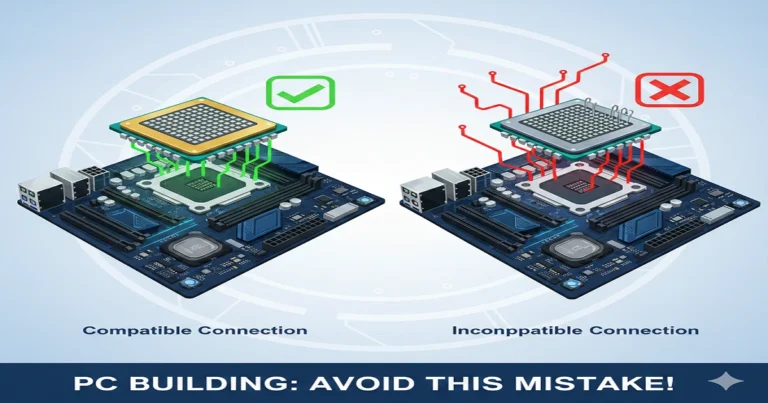
Each generation is not compatible with others. A DDR4 motherboard cannot use DDR5 RAM.
Choosing the Right Generation
Check your motherboard manual or use tools like Crucial System Scanner to identify the correct RAM generation.
RAM Form Factors
DIMM vs SODIMM
- DIMM → Desktop RAM (~5.25 inches)
- SODIMM → Laptop RAM (~2.66 inches)
The form factor must match your motherboard slots.
Checking Your Motherboard Slots
Visually inspect your motherboard or check the manual. Online tools like Crucial System Selector make it easier to find compatible RAM.
RAM Specifications That Affect Compatibility
RAM Speed / Frequency (MHz)
Faster RAM improves performance, especially on AMD Ryzen processors. Intel CPUs are more flexible, but matching recommended speeds still helps.
RAM Density & Module Size
Check the maximum RAM capacity and number of slots supported by your motherboard. Most desktop boards support 4 slots; laptops usually have 2 slots.
Voltage & Latency (CL)
Match the RAM voltage with your motherboard. Lower CAS latency (CL) can slightly improve performance.
How to Check RAM Compatibility Step-by-Step
Using Online Tools
- Crucial System Scanner → Scans your PC and lists compatible RAM
- Crucial System Selector → Select motherboard/system to find RAM
Manual Checking
- Check motherboard specs/manual
- Match RAM type, form factor, speed, voltage, and max RAM
- Confirm the number of slots available
Tips for Ryzen vs Intel Users
- For Ryzen, faster RAM (3200 MHz) is recommended
- Intel → standard speeds are usually sufficient
- Avoid mixing RAM brands unless specs match exactly
Common RAM Compatibility Issues
- RAM physically won’t fit
- Wrong speed or voltage
- Exceeding the motherboard’s max RAM
- Mixing different brands or timings
FAQs
How much RAM do I need for my PC?
- 8 GB → basic use
- 16 GB → gaming & productivity
- 32 GB+: heavy multitasking, content creation
Can DDR4 RAM work in a DDR5 motherboard?
- No, generations are not compatible.
Can I mix RAM brands?
- Only if speed, voltage, and timings match exactly.
Conclusion (100 Words)
Checking RAM compatibility with your motherboard is essential before upgrading or building a PC. Incompatible RAM can prevent your system from starting, cause errors, or reduce performance. Always verify RAM type (DDR3, DDR4, or DDR5), form factor (DIMM or SODIMM), speed (MHz), voltage, and maximum supported size. Use tools like Crucial System Scanner or check your motherboard manual for accurate guidance. Following these steps ensures a safe, reliable upgrade, improves multitasking and gaming performance, and avoids wasted money. With the right approach, even beginners can confidently choose compatible RAM and enjoy a faster, stable, and efficient PC.