Will Any DDR4 RAM Work With Any DDR4 Motherboard? – Explained
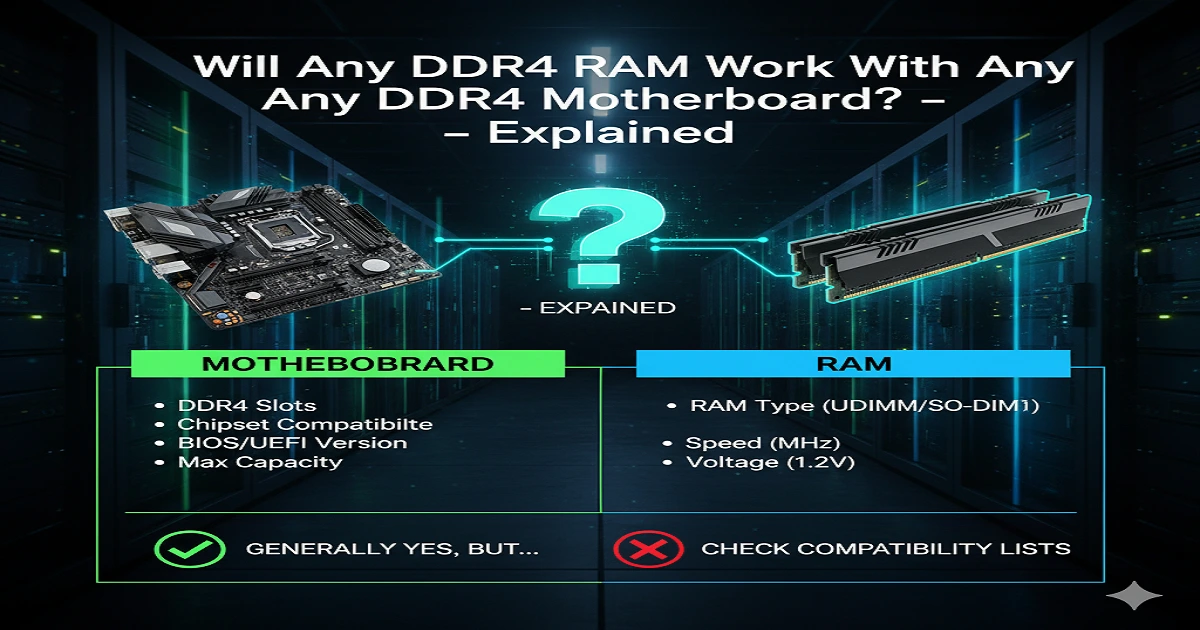
Not all DDR4 RAM will work with every DDR4 motherboard. Each motherboard supports specific RAM speeds, sizes, and brands. Always check your board’s manual or the manufacturer’s website to pick compatible DDR4 RAM for safe, fast, and stable performance.
Many people wonder, “Will any DDR4 RAM work with any DDR4 motherboard?” The simple answer is no. Even though a motherboard may support DDR4, it only works with certain speeds, sizes, and sometimes specific brands. Using incompatible RAM can cause your PC to crash, not start, or run slowly. In this guide, I will explain in simple steps how to check your motherboard’s RAM limits and pick the right DDR4 memory. By following these tips, you can upgrade safely, improve performance, and make sure your computer runs stably, fast, and without any problems.
What is DDR4 RAM?
DDR4 RAM is the backbone of modern computing performance, offering faster speeds, lower power consumption, and higher memory capacities than previous generations. DDR4 memory modules are available in desktop (DIMM) and laptop (SODIMM) formats, each designed for specific motherboard slots and system architectures. Understanding the basics is essential before attempting an upgrade or a new PC build.
DDR4 modules also support features like XMP profiles for easy overclocking, ensuring optimal performance without manual configuration. For a deeper dive into motherboard functions that interact with RAM, check our guide on motherboard components and functions.
Key Features of DDR4 RAM
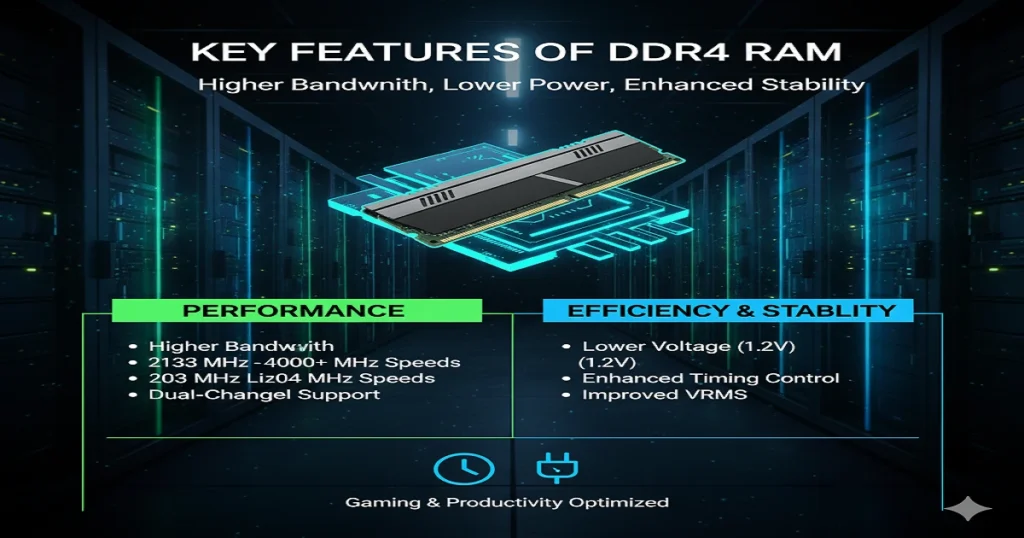
DDR4 RAM offers higher memory bandwidth and lower voltage requirements compared to DDR3, making it ideal for gaming PCs and productivity systems. Most modern motherboards support DDR4 speeds ranging from 2133 MHz to over 4000 MHz, depending on the chipset and BIOS settings.
Other key features include enhanced timing control, support for dual-channel memory, and improved voltage regulation modules (VRMs). These features directly influence system stability, especially when installing high-speed RAM or performing memory overclocking.
Understanding RAM Speed and Frequency
Standard vs High-Speed DDR4 RAM
DDR4 modules are available in standard speeds like 2133 MHz and 2400 MHz, as well as high-speed kits reaching 3600 MHz or higher. Not all motherboards can handle extreme speeds, so verifying the supported memory frequency in the motherboard manual is crucial.
How RAM Speed Affects Performance
Faster RAM improves data transfer rates and overall system responsiveness. However, performance gains are most noticeable in gaming PCs, content creation, and multitasking environments. Improperly matched RAM speeds can trigger system instability or prevent the PC from booting.
RAM Voltage and Power Requirements
DDR4 RAM typically operates at 1.2V, but higher-performance modules may require 1.35V or more. Motherboards with robust VRMs handle these modules better. Using incompatible voltages can cause boot failure or reduce system lifespan. Adjusting voltage in the BIOS or enabling XMP profiles ensures safe operation.
RAM Capacity and Module Sizes
DDR4 RAM modules come in 4GB, 8GB, 16GB, and 32GB sizes. Total supported capacity depends on the motherboard and chipset, e.g., an Intel Z-series chipset often supports up to 128GB across four DIMM slots. Exceeding these limits can prevent system recognition or cause black screens.
Motherboard Memory Slots Overview
DIMM vs SODIMM: Desktop vs Laptop RAM
- DIMM: 288-pin, used in desktops
- SODIMM: 260-pin, used in laptops
Understanding the physical differences ensures proper installation. Desktop and laptop RAM are not interchangeable.
Slot Configurations and Limitations
Most motherboards support dual-channel or quad-channel memory setups. Installing RAM in the wrong slots can reduce performance. Refer to your motherboard manual for optimal placement.
Chipset Compatibility and DDR4 Support
Different chipsets, like the AMD B450 motherboard or the B550 motherboard, support varying RAM speeds and capacities. Cross-check the chipset specifications to ensure compatibility, especially for high-speed or large-capacity modules. For detailed guidance, explore what RAM my motherboard supports.
Dual-Channel and Multi-Channel Memory Setup
Running RAM in dual- or multi-channel configurations doubles bandwidth, improving performance in memory-intensive tasks. Proper pairing of identical modules is critical; mismatched RAM may run at the slower module’s speed, causing timing mismatches and reduced efficiency.
CAS Latency and Memory Timings
Understanding CAS Latency (CL)
CAS latency defines the delay between a memory request and a response. Lower CL values indicate faster performance. Typical DDR4 CL ranges from 14 to 19 cycles.
Timing Mismatches and Performance Impact
Mixing RAM with different timings can trigger errors or reduce speed. Stress tests like MemTest86 or Prime95 help verify stability in such setups.
BIOS and Firmware Settings for RAM
Motherboards often require BIOS updates to support newer RAM. Enabling XMP profiles optimises frequency and voltage automatically. Adjusting settings manually allows advanced users to fine-tune performance safely.
Checking Motherboard QVL (Qualified Vendor List)
The QVL lists RAM modules tested and certified for each motherboard. Choosing modules from this list reduces system instability risk and ensures smooth installation. For additional verification, read how to check what RAM is compatible with my motherboard.
Overclocking DDR4 RAM: Tips and Risks
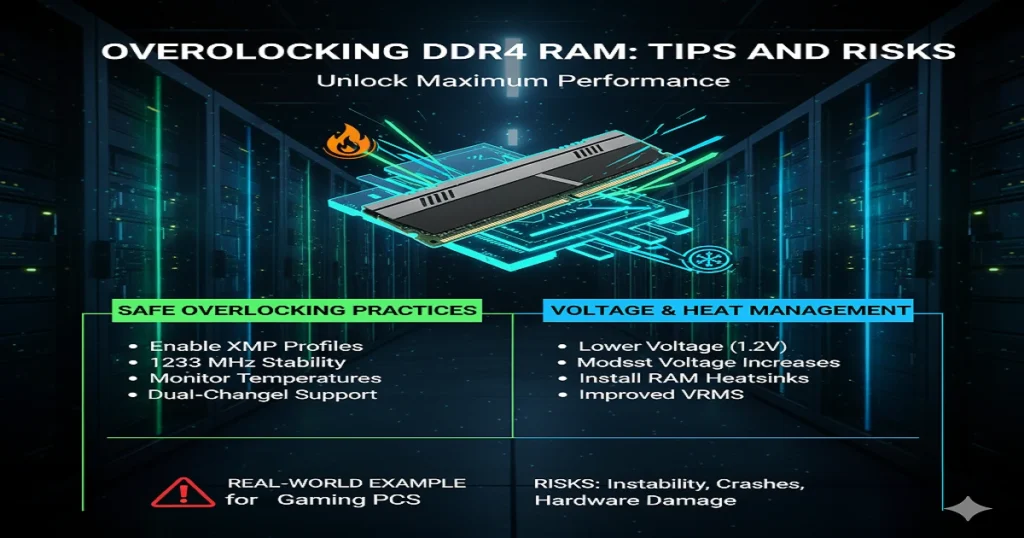
Safe Overclocking Practices
- Enable XMP profiles
- Test stability after each increase
- Keep RAM temperatures monitored
Voltage Adjustment and Heat Management
Use modest voltage increases only. Install RAM heatsinks or improve airflow to prevent overheating.
Real-World Overclocking Examples
Gaming PCs often push DDR4-3600 modules to 4000 MHz with proper BIOS settings, achieving better memory bandwidth without affecting system stability.
Common DDR4 RAM Compatibility Issues
- Boot failure or black screens
- System crashes under load.
- A timing mismatch is causing slower performance.
- The motherboard is not recognising the full RAM capacity.
Checking RAM voltage, speed, and QVL mitigates these issues.
Tools and Resources to Verify RAM Compatibility
- PCPartPicker: Checks part compatibility automatically
- Manufacturer RAM configurators: Confirm motherboard support
- Stress testing software: MemTest86 and Prime95 for stability
Step-by-Step Guide to Installing DDR4 RAM
- Power off and unplug the system.
- Open the case and locate the DIMM slots.
- Align the module notch with the slot.
- Press firmly until the clips lock.
- Verify RAM detection in BIOS.
- Enable XMP for optimal performance.
- Run a stress test for stability.
Future-Proofing Your DDR4 Memory Build
Opt for larger capacities and faster modules within the motherboard limits to delay future upgrades. High-quality brands like Corsair RAM, G.Skill RAM, and Kingston RAM provide reliability. Monitoring software helps track performance over time.
FAQs
Are all DDR4 RAM compatible with DDR4 motherboards?
All DDR4 desktop RAM will physically fit into any DDR4 desktop motherboard, and all DDR4 laptop RAM will fit in a DDR4 laptop motherboard.
But not all DDR4 RAM is fully compatible. Speed, voltage, capacity, and features like ECC can affect whether it works properly.
So DDR4 fits, but full compatibility depends on the motherboard’s specifications.
How do I tell if my RAM is compatible with my motherboard?
Check these things:
- The DDR generation must match exactly (DDR4 RAM only works in DDR4 motherboards).
- The form factor must match (desktop uses DIMM, laptop uses SO-DIMM).
- Check the motherboard’s supported RAM speeds (faster RAM will still work but run slower).
- Check maximum supported capacity.
- If you want full assurance, check the motherboard’s QVL list or manual.
Is all DDR4 RAM the same?
No.
DDR4 RAM differs in speed, capacity, latency, voltage, rank, ECC or non-ECC, and whether it is DIMM or SO-DIMM.
All DDR4 follows the same basic standard, but the performance and features are not the same.
Can I put 3200 MHz RAM in a 2400 MHz motherboard?
Yes.
The RAM will work, but it will run at 2400 MHz because the motherboard limits the speed.
This is normal and safe.
Conclusion:
Not all DDR4 RAM works with every DDR4 motherboard. Each board has specific limits for RAM type, speed, and maximum size. Choosing the wrong RAM can cause your computer to fail, run slowly, or become unstable. By checking your motherboard model and specifications carefully, you can select compatible DDR4 RAM that fits perfectly. Always use trusted brands and follow the manufacturer’s recommendations. Using the right RAM ensures your computer runs faster, opens programs smoothly, and stays stable. Following these simple steps helps you upgrade confidently and avoid common mistakes, keeping your system safe and efficient.